If I Turn Off My Ps4 Will It Still Download A Game
PS5 standby style and what you can do in PS5 rest mode

While PS5 standby fashion, or PS5 residual mode, is the suspended state y'all can get out a PS5 in, you can actually do a lot while your PlayStation is sleeping. Standby way is different to turning off a PS5 completely and in this state it'll draw a little power in the background to do some admin, downloads, patches and so on. That means yous tin can utilise the PS5 standby mode to accept the pain out of a lot of takes by getting rest mode to take care of information technology while y'all're away. Yous'll never have to worry almost charging a pad, for example, if you know what yous're doing.
So here are all the benefits of opting for PS5 Remainder Mode over turning it off entirely.
1. Keep your controller charged

Ane of the great benefits of remembering to plug your pad dorsum in before you left your PS5 drift off to sleep is that in residue mode, your PS5 will still supply power to your USB ports.
You can accommodate the length of time that the USB ports remain powered for in:
Settings > System > Power Saving > Features Bachelor in Rest Mode
The options are 'Always', '3 Hours', or 'Off'. Three hours will be enough to keep your pad topped up, merely if you lot want to make certain it'due south always fully charged when you lot come back to information technology, opt for the Always option.
2. Updating games behind the scenes
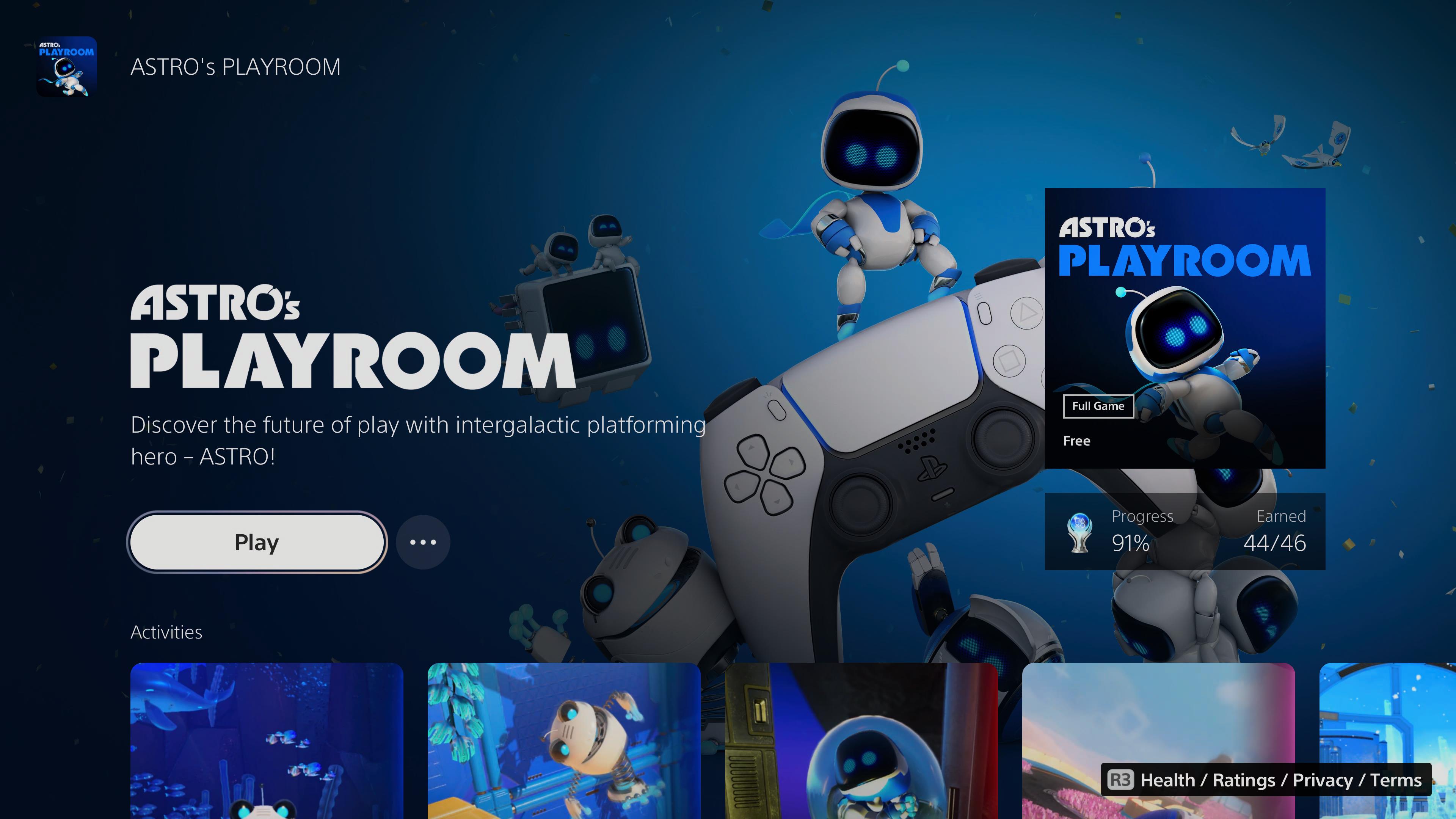
One of the things that has e'er driven me up the wall with modern gaming is that in that location's usually always a patch to download before you lot can play anything. Withal, like the PS4 before it, the PS5 can automatically download and install game updates and other content while it's in rest mode. That means yous should always exist able to jump straight into your games the moment you lot plough your PS5 on equally information technology's been beavering away in the background. Of course, having height tier Wi-Fi 6 connectivity will also help.
3. Uploading saves to the cloud
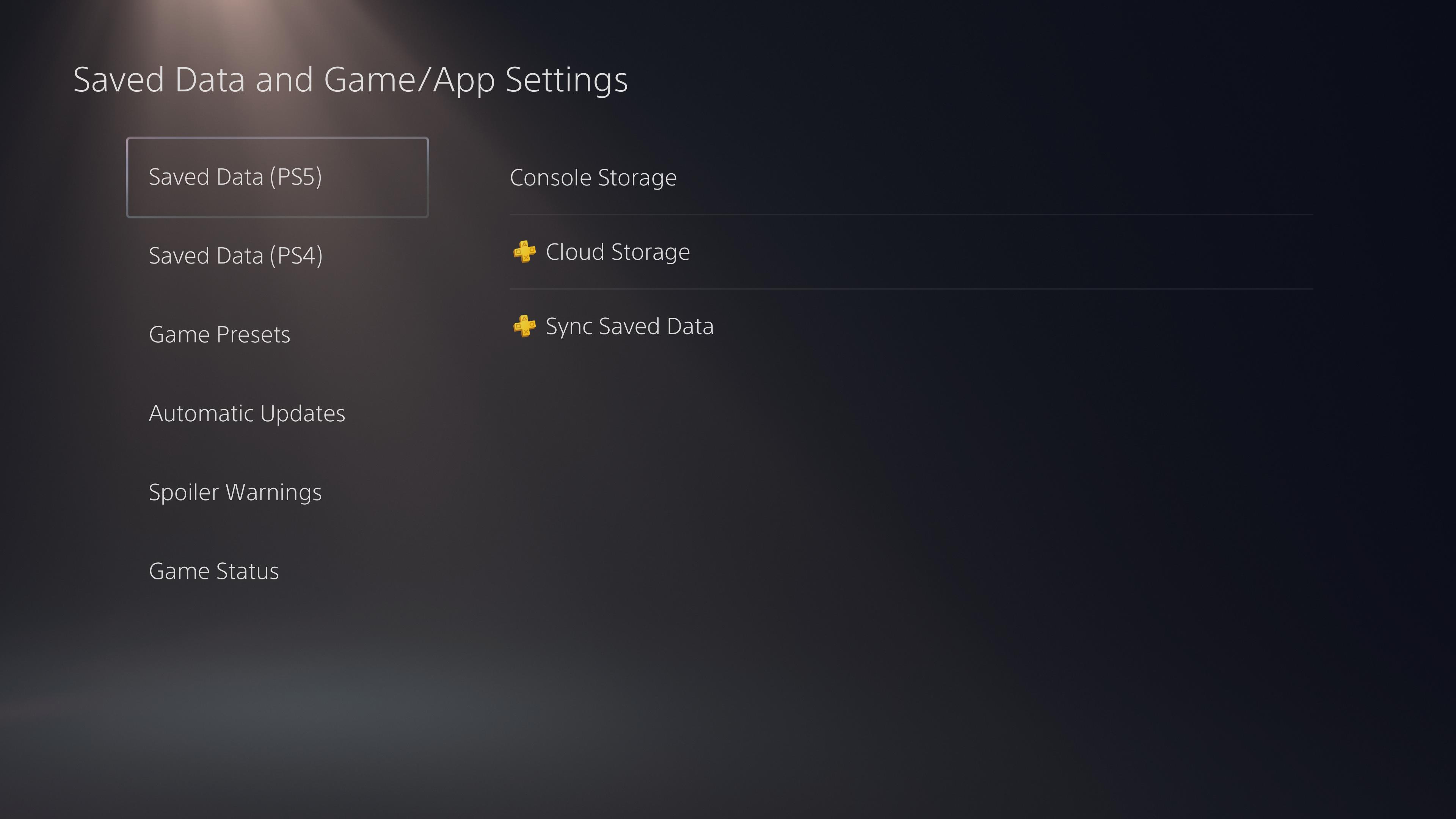
If you're a PlayStation Plus subscriber, in that location's another benefit of opting for PS5 standby style - deject saves. Whilst in balance fashion, your PS5 will diligently upload any new save files to your PSN Cloud Storage (for both PS4 and PS5 games I might add), meaning y'all're safe if anything should happen to your locally-stored save or - heaven's prevent - your shiny new PS5. It's some other feature that'south carried forrad from the PS4, but always good to know information technology's there.
4. Install games remotely
Enhance your gaming experiences on PS4 and PS5 with the newly redesigned PlayStation App: https://t.co/PkutMmuGSV pic.twitter.com/uXTH1G07yWOctober 28, 2020
If you are opting to always leave your new panel in PS5 rest fashion, make sure to caput into the settings to ensure 'Enable Turning On PS5 from Network' is switched on. You lot'll find it in the following card:
Settings > Organization > Ability Saving > Features Bachelor in Rest Mode > Enable Turning On PS5 from Network
That way, if yous get a digital game code or purchase something from the PlayStation Store via the App, your PS5 however beginning downloading it directly away while in rest mode. Hopefully, that'll hateful it's gear up to starting time playing the moment you're reunited with your PS5.
v. Proceed your PS5 game suspended

Of course, a lot of the benefits of PS5 remainder style are just gaming housekeeping, but in that location'southward also a tangible perk to keeping your console merely half-asleep: keeping your game suspended. While the PS5 doesn't quite accept the Quick Resume functionality of the Xbox Series 10, it tin keep your game suspended in rest mode, allowing yous to jump straight back in where you left off when you lot kick upwards your PS5.
vi. Play PS5 games remotely
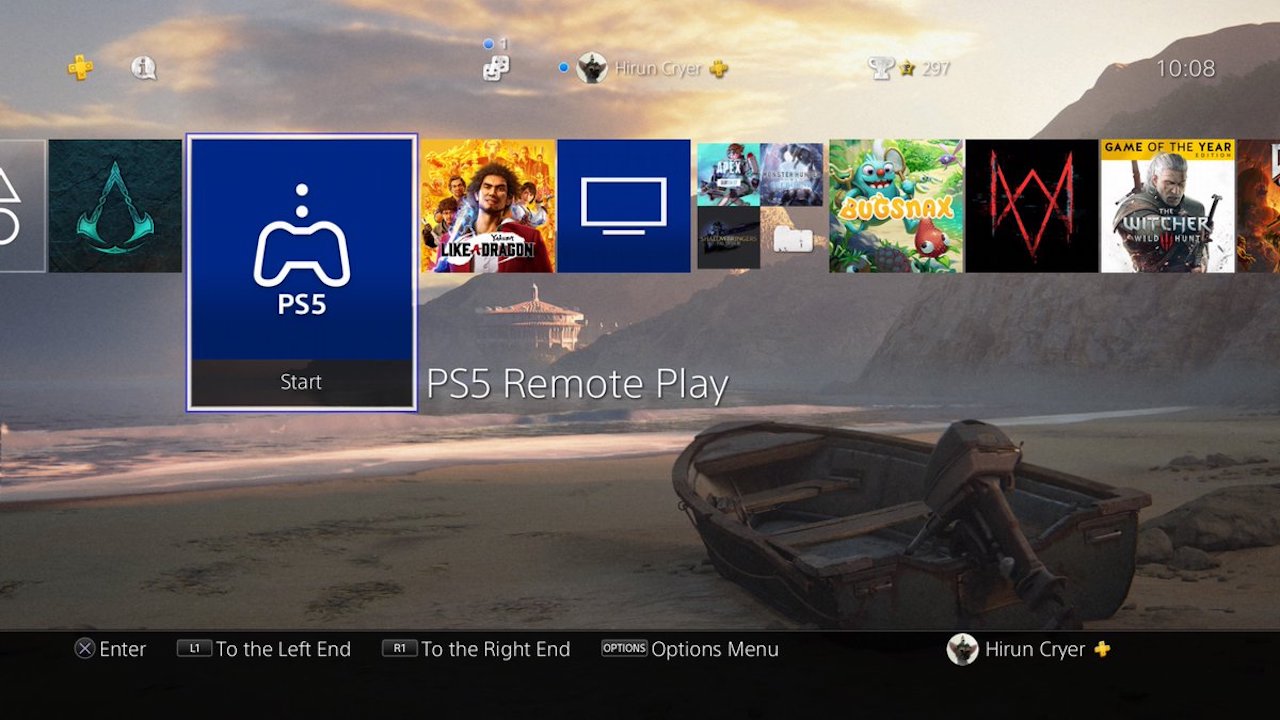
If yous were and then inclined, you tin can also admission your PS5 remotely, via the conveniently named characteristic PS5 Remote Play.
"Nosotros're updating PS4's Remote Play feature," says Sony. "Now, in addition to being able to access your PS4 from a PC or a mobile device, your PS4 can access other consoles via Remote Play too, right on your Telly. This includes the ability to connect to your PS5 and stream a PS5 game to your PS4 so you can play it there."
So proceed, requite your PS4 a piffling more shelf-life with the PS5 Remote Play characteristic.
7. Ultimately relieve some ability
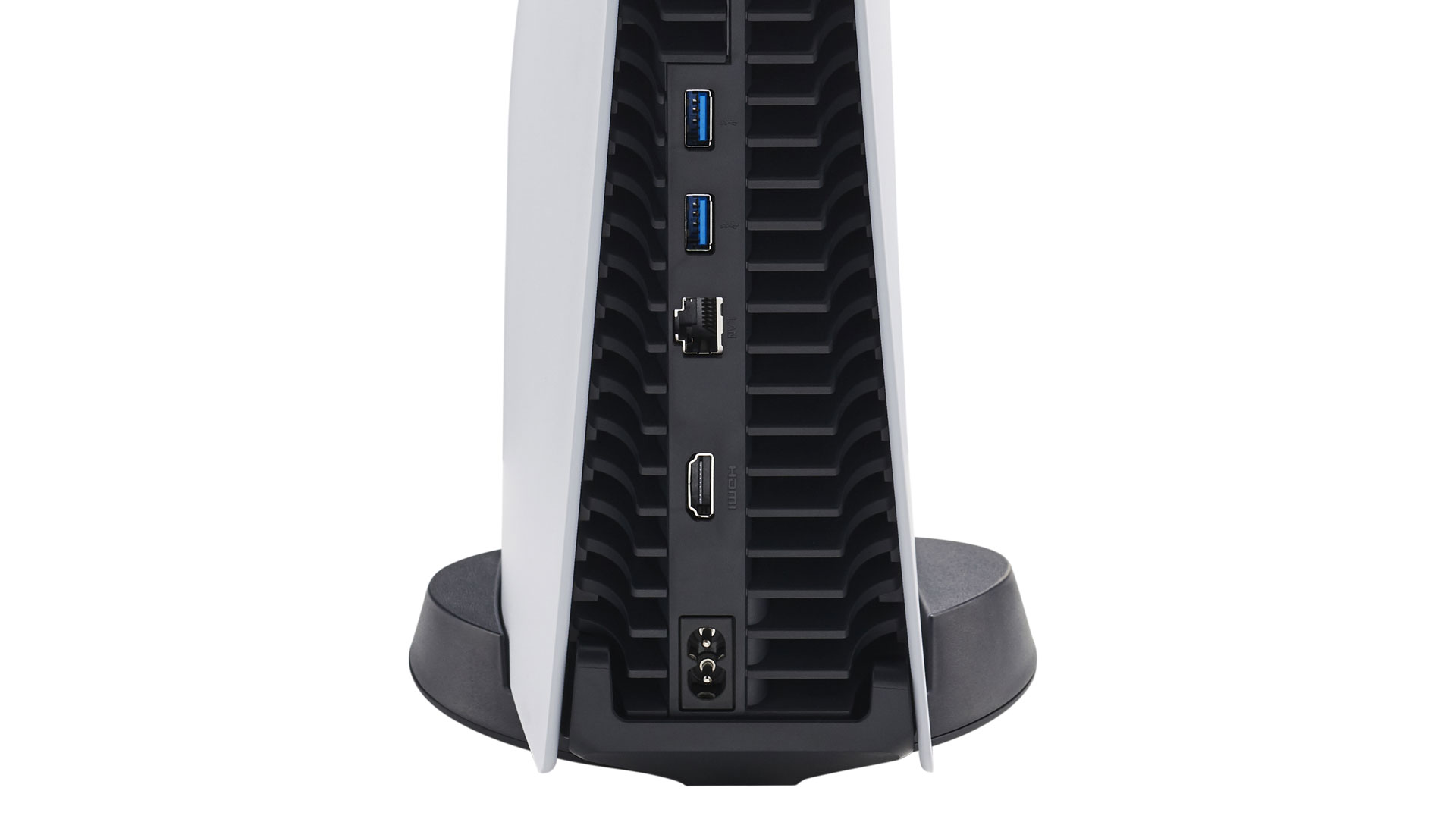
Now of course, leaving your PS5 in standby mode is going to consume more energy than turning information technology off entirely, just information technology's mode more energy-efficient than the PS4 always was.
"I am as well very pleased to announce the adjacent-generation PlayStation console will include the possibility to suspend gameplay with much lower power consumption than PS4 (which nosotros estimate can be achieved at effectually 0.5 W)," explained Sony Entertainment CEO, Jim Ryan in a PlayStation Blog post at the end of 2019. "If but one one thousand thousand users enable this feature, it would save equivalent to the average electricity apply of 1,000 Usa homes."
According to a report published by the National Resources Defense Council back in 2014, the PS4 and Xbox I both draw massive amounts of ability in standby — the PS4, 8.5 watts, and the Xbox One 15.7.
The PS5 cartoon 0.5W of power compared to the PS5'southward viii.5W is certainly quite the energy saving.
PS5 review | How to eject a PS5 disc | Transfer games to PS5 hard drive | How to use a PS4 controller with PS5 | Where is the PS5 ability button | All-time PS5 SSD | All-time PS5 external difficult bulldoze | All-time PS5 headset | Upcoming PS5 games | How to download PS4 saves on PS5 | PS5 deals | Best PS5 headsets
DOWNLOAD HERE
Posted by: simmonsnupich.blogspot.com


0 Komentar
Publicar un comentario